
1 — Intro Section (2/3 + 1/3)
This block is the shared.intro-section component, laid out as a wide two-thirds text column beside a narrow one-third column. It is typically used as the lead paragraph of an article. Ard combines artificial intelligence with deep-technology forecasting to help governments, utilities, and enterprises across the MENA region anticipate climate risk before it becomes climate damage. The goal of this article is purely diagnostic: it stacks every available content component on a single page so that spacing, typography, image handling, and responsive behaviour can be reviewed in one pass.
Each section below is labelled with its component name and the layout it is meant to produce. Read top to bottom to confirm that margins, font sizes, and right-to-left handling all behave as expected.
Sidebar. The narrow one-third column is good for a pull quote, a short summary, or a key statistic such as 48 million people protected.
2 — Rich Text
This is the shared.rich-text (CKEditor) component, the workhorse for long-form prose. It should support headings, bold, italics, links, and lists.
- Forecasting models tuned for the Arabian Peninsula and the Levant.
- Early-warning systems for floods, dust storms, and marine hazards.
- Decision dashboards that translate raw data into operational action.
The paragraph spacing here should match the rich text used in the real case studies. If line-height or margins look different from the production articles, that is a regression worth flagging.
3 — Text & Media (1/3 Text + 2/3 Image)
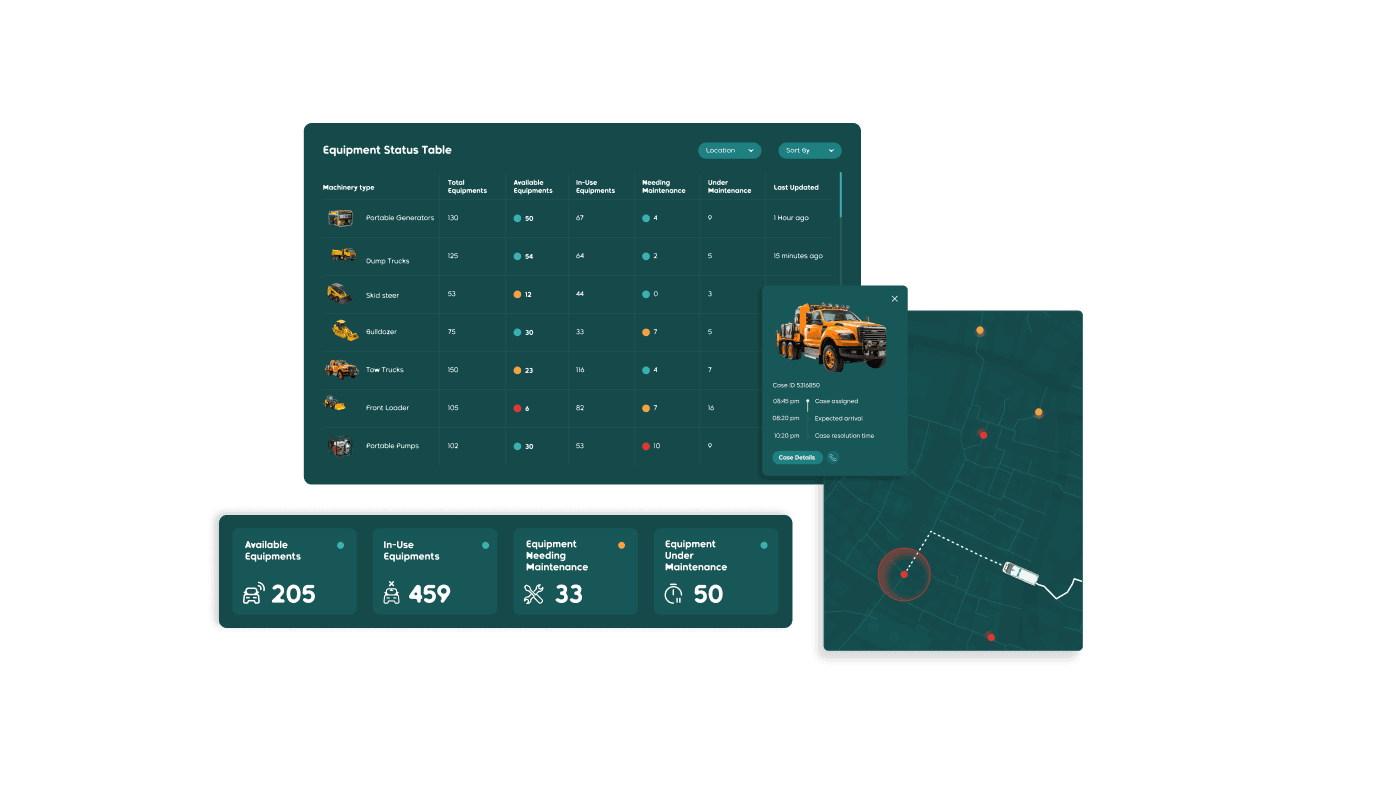
The shared.textandmedia component pairs a slim text column on the left with a large image on the right. Use it when the visual deserves more weight than the words.

4 — Text & Media 2 (1/3 Image + 2/3 Text)
This is shared.textandmedia-2: a small image on the left and a generous text block on the right, with an enable_margins flag set to true here. It suits explanatory passages that still want a supporting visual. The text should wrap cleanly beside the image at desktop width and stack below it on mobile.
5 — Text & Media 3 (2/3 Text + 1/3 Image)
The mirror of the previous block: shared.textandmedia-3 puts the wide text on the left and a smaller image on the right, here with enable_margins set to false so the two variants can be compared directly. This is the layout used heavily in the NMDC and JOCAP case studies.

6 — Text & Media 4 (2/3 Image + 1/3 Text)
shared.textandmedia4 leads with a large image and follows with a narrow text column. Good for showing a product screen or photograph with a short caption-like note.
7 — Intro Section 2. Narrow column first this time.
1/3 Text + 2/3 Text
This is shared.introsection2, the reversed sibling of the first intro block: the narrow column comes first, the wide column second. It is useful when the emphasis should fall on the larger body rather than the lead-in. Confirm that the column order here is visually opposite to component 1 above.


9a — Box One
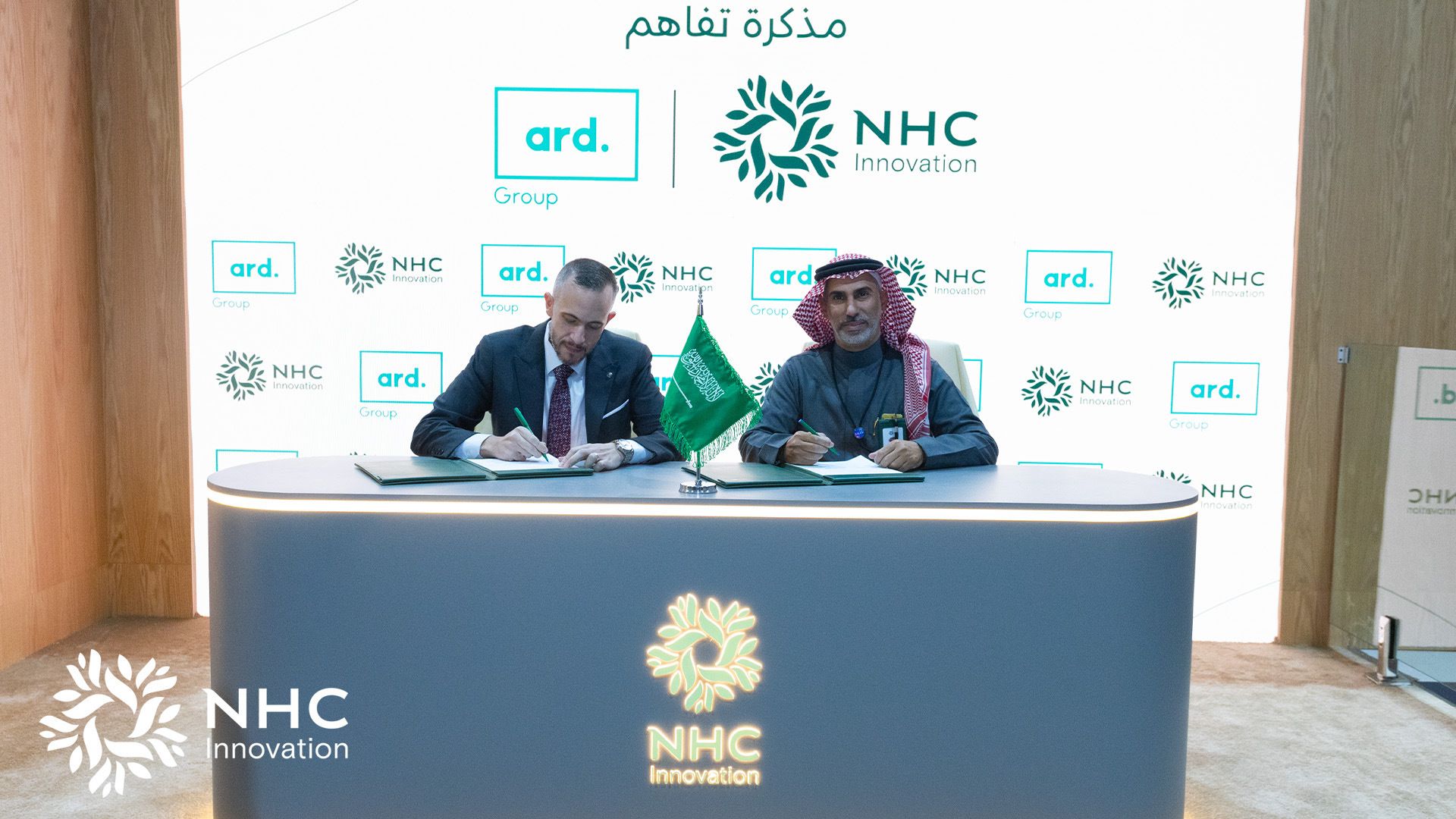
The shared.3-text-boxes component renders three equal columns. Box one: Anticipate. Forecasts tuned to local geography give partners a head start on severe weather.
9b — Box Two
Box two: Decide. Dashboards turn forecasts into clear, ranked actions for operations teams.
9c — Box Three
Box three: Protect. The result is fewer disruptions, safer assets, and more resilient communities.
Share Insights:


